
Phoenix Recent Arrests
Phoenix recent arrest records are held by the Phoenix Police Department and the Maricopa County Sheriff's Office. The city handles more arrests than any other in Arizona due to its large size. You can search for current inmates through the county jail system or request police reports from the city. Phoenix Police uses an online portal that lets you submit requests for incident reports, body camera footage, and other records. Booking records for Phoenix arrests go into the Maricopa County jail database. This page shows you how to find and request Phoenix arrest records.
Phoenix Quick Facts
Phoenix Police Department Records
The Phoenix Police Department is one of the largest in the nation. It serves the city of Phoenix and handles thousands of arrests each year. The department keeps records of all arrests made by Phoenix officers. These include incident reports, booking documents, body camera video, and photographs.
Phoenix Police operates a dedicated records unit. You can visit them in person at 1717 E Grant St, Suite 100, Phoenix, AZ 85034. The office is open Monday through Friday from 8 a.m. to 4 p.m. You can also call (602) 534-1127 for questions about police records. For non-emergency police matters, call (602) 262-6151. Email works too at policepublicrecords@phoenix.gov.
The records staff processes a high volume of requests. Simple reports take about 7 business days. Letters of clearance without an arrest record take the same time. If you have an arrest record, the clearance letter takes 6 to 8 weeks. Complex requests with video footage may take longer. Plan ahead if you need records for a deadline.
Phoenix Arrest Records Online Portal
Phoenix Police runs an online portal for public records requests. The Phoenix Public Safety Portal lets you submit requests from home. You do not need to visit in person for most requests.
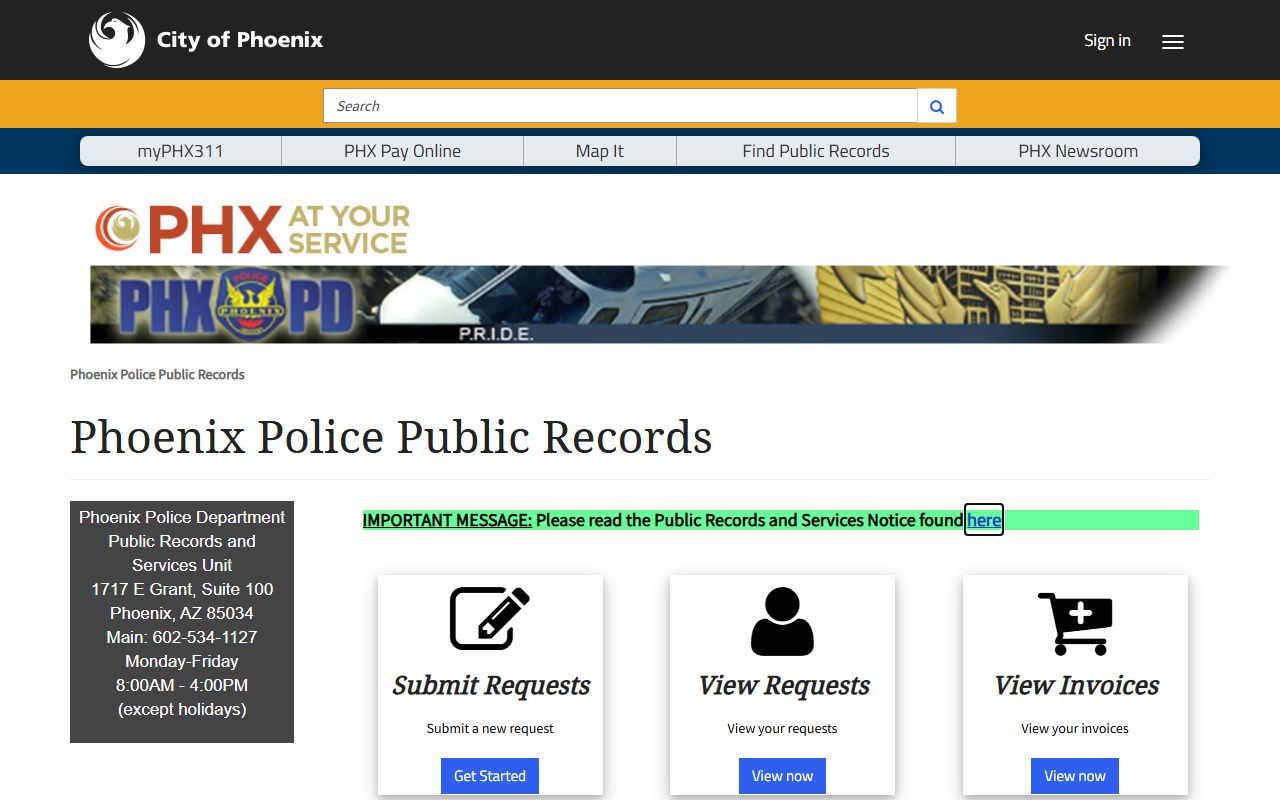
This is the main page of the Phoenix Police records portal where you can submit requests for arrest reports and other documents.
The portal offers ten types of records. You can request incident reports, traffic crash reports, body camera audio and video, photographs, recorded interviews, surveillance videos, 911 recordings, calls for service, crime statistics, and Federal Clery Act records. Each type has its own form and fee. Pick the one that fits what you need.
There is a $5 convenience fee to use the portal. This is charged upfront when you submit a request. Additional fees depend on what you ask for. The portal accepts credit cards for payment. This makes it easier than the in-person process which requires specific payment types.
Phoenix also shares some data on the Phoenix Open Data site. This free resource has crime statistics and some arrest data. You can browse without making a formal request.
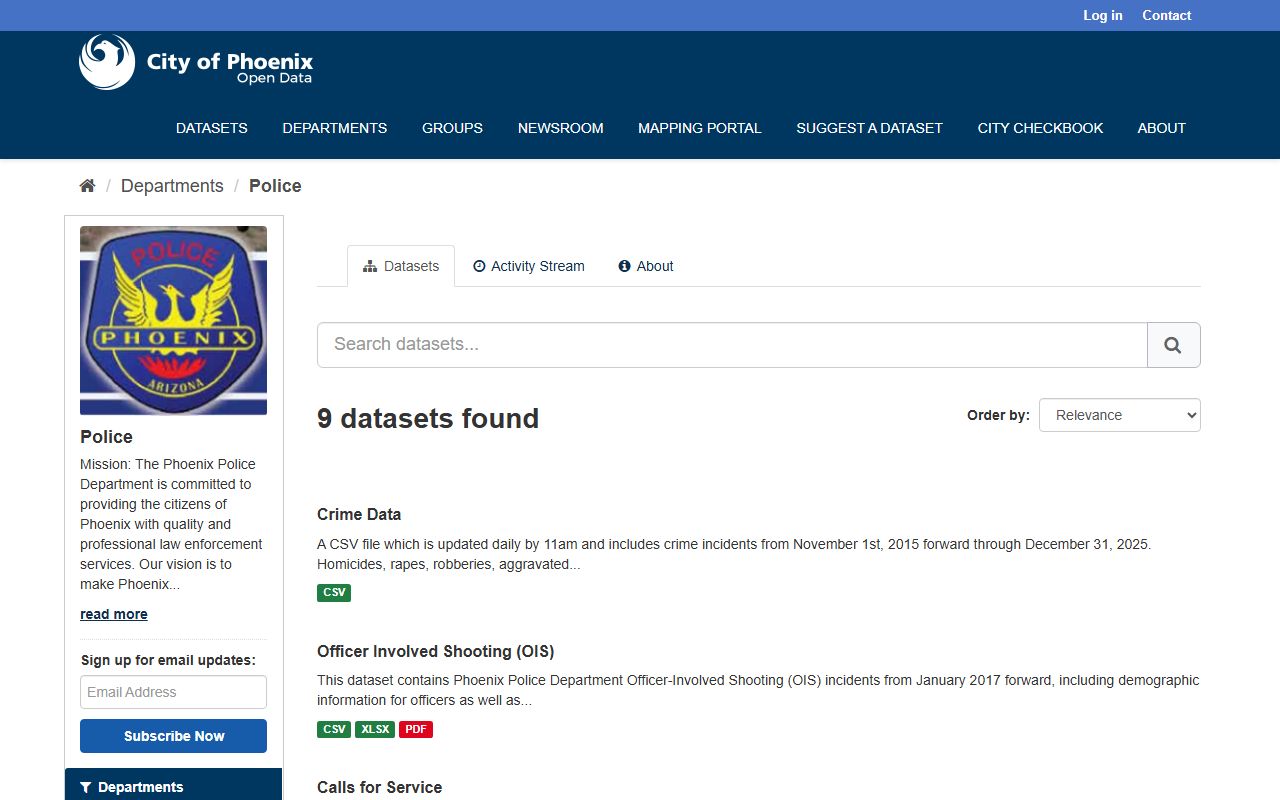
The Open Data portal shows crime and arrest trends in Phoenix without fees or formal requests.
Phoenix Police Records Fees
Fees for Phoenix arrest records follow a set schedule. The rates are public and apply to all requests.
Incident reports cost $0.24 per page. This is one of the lower rates in the metro area. A short report might only cost a few dollars. Longer reports with multiple pages add up. The portal shows you the total before you pay.
Letters of clearance have two prices. If you have no arrest record in Phoenix, the letter costs $8.50. If you do have a record, it costs $28.00. The higher fee covers the extra work to compile your history. Body camera footage costs $4.00 per request. 911 recordings cost $16.50 each.
Under A.R.S. § 39-127, victims of Part I Crimes get one free copy of their case report. This includes victims of murder, rape, robbery, assault, burglary, theft, and arson. You must show you are the victim to get the free copy.
Note: The $5 portal fee is charged on top of other fees when using the online system.
How to Get Phoenix Arrest Records
You have several ways to request arrest records from Phoenix Police. The method you pick depends on what you need and how fast you need it.
The online portal works best for most people. Go to the Phoenix Public Safety Portal. Create an account or log in. Pick the type of record you want. Fill out the form with details about the arrest or incident. Pay the fees with a credit card. Wait for a response by email. This method works any time of day.
In-person requests work if you prefer to talk to someone. Go to the records unit at 1717 E Grant St, Suite 100. Bring ID if you are asking about your own record. Tell the clerk what you need. Pay with cash, check, or money order. Some records can be printed right away. Others take time to prepare.
Mail requests are another option. Write a letter that says what records you want. Include details like date of incident, names involved, and case numbers if you have them. Send it to the records unit address. Include payment by check or money order. This method takes the longest since mail adds days to the process.
For current inmates, the Phoenix Police do not hold people long. Arrests get booked into Maricopa County jail. Use the county inmate search to find someone arrested in Phoenix who is still in custody.
Maricopa County Jail for Phoenix Arrests
Phoenix is in Maricopa County. All Phoenix arrests that result in jail time go to Maricopa County facilities. The Phoenix Police make the arrest, but the county sheriff handles detention.
The county runs four main jails in the Phoenix area. The 4th Avenue Jail at 201 S. 4th Avenue is the main intake point. This is where most new arrestees get processed. Staff take fingerprints, photos, and record personal information. The booking data goes into the county system.
You can search for current inmates on the MCSO Inmate Information page. Search by name or booking number. The system shows who is currently in custody. Once someone is released or transferred, they drop from the search. For historical records, contact the sheriff's office directly.
The county jail phone is (602) 876-0322. Call this number to ask about a specific inmate or booking. Staff can tell you if someone is in custody and which facility holds them. The main sheriff office number is (602) 876-1000.
Phoenix Arrest Records Legal Access
Arizona law gives the public broad access to government records. Under A.R.S. § 39-121, public records must be open to anyone during office hours. This includes arrest records held by Phoenix Police. You do not need to give a reason for your request.
Some information gets redacted before release. Under A.R.S. § 41-4172, agencies must remove certain personal details. Dates of birth, social security numbers, and home addresses are taken out. This protects privacy while still allowing access to the basic arrest information.
Phoenix Police cannot run background checks for private citizens. Under A.R.S. § 41-1750, the state repository does not serve private employment checks or immigration cases. You can get your own record but not someone else's full criminal history. For background checks, use a private service or go through proper legal channels.
Records can be sealed under Arizona law. A.R.S. § 13-911 allows sealing of certain arrests and convictions after waiting periods. If someone's record was sealed, it will not show up in standard searches. Sealed records still exist but are hidden from most public access.
Nearby Arizona Cities
Phoenix borders several other major cities in the metro area. Each has its own police department and records process. If you need arrest records from outside Phoenix, check these nearby cities:
- Mesa - east of Phoenix
- Scottsdale - northeast of Phoenix
- Tempe - southeast of Phoenix
- Glendale - northwest of Phoenix
- Chandler - southeast of Phoenix
- Peoria - northwest of Phoenix
All of these cities are also in Maricopa County. Jail records go to the same county system. Police reports stay with each city's department.
Contact Phoenix Police Records
Phoenix Police Records Unit
1717 E Grant St, Suite 100
Phoenix, AZ 85034
Phone: (602) 534-1127
Non-Emergency: (602) 262-6151
Email: policepublicrecords@phoenix.gov
Hours: Monday through Friday, 8 a.m. to 4 p.m.
The online portal works 24 hours a day. You can submit requests any time. Staff process them during business hours.